What you'll need
- A tablet or computer with a web browser
- A parent's email address (for kids under 13 who want a Scratch account)
- About 10 minutes
Pick by age
Tool Best ages Runs on Cost ScratchJr 5–7 iPad, Android tablets, Chromebooks Free app Scratch 8–16 (anyone can use it) Web browser, or the free Scratch app Free CodeAI (formerly Code.org) K–12 Web browser Free courses and Hour of AI activities Khan Academy Computing Teens and adults Web browser Free (nonprofit) Code.org renamed itself CodeAI in June 2026. The web address is still code.org.
Start with ScratchJr (ages 5–7)
Install ScratchJr from your tablet's app store (from the official ScratchJr site). Kids snap picture blocks together to make characters move, talk and jump. No reading needed to start.
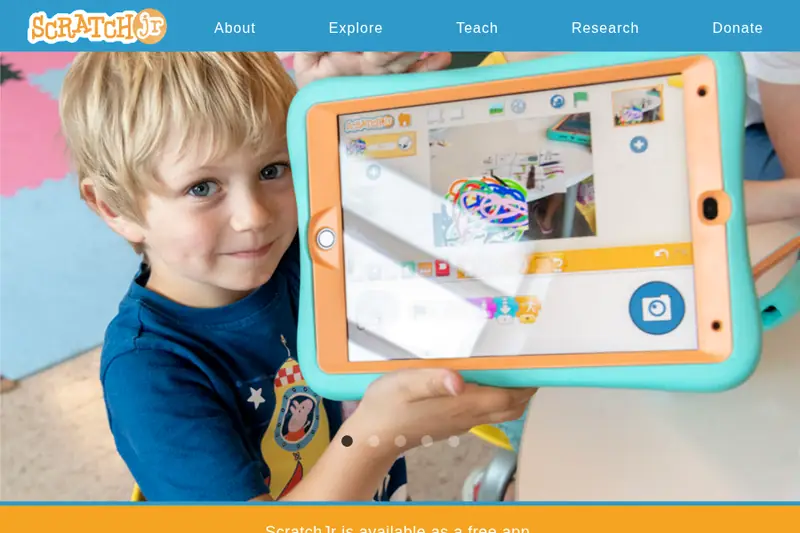
ScratchJr is free from the official site. Screenshot of the official page, October 2026. It may look a little different now. Move up to Scratch (8 and up)
- Go to scratch.mit.edu and click Start Creating. Kids can make games without an account.
- To save and share projects online, choose Join Scratch. Kids under 13 need a parent's email to confirm the account.
- Read Scratch's page for parents about the online community and safety.
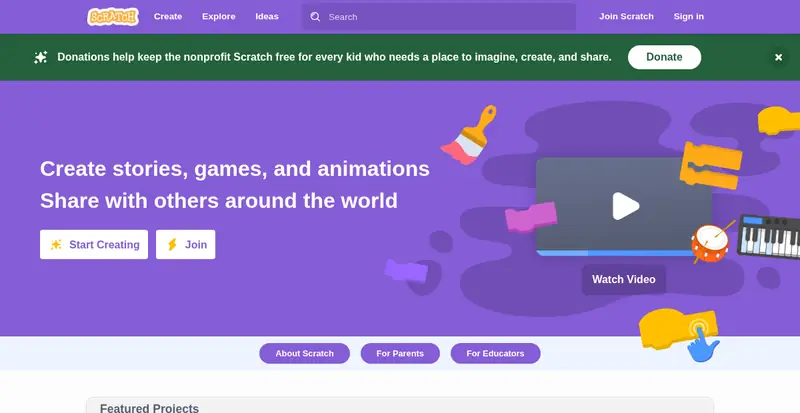
Scratch is free for everyone. Screenshot of the official page, October 2026. It may look a little different now. Try a free course
Older kids and teens can follow step-by-step lessons on CodeAI or Khan Academy Computing. Both are free and from nonprofits.
Keep it safe and free
⚠️ Watch out: Scratch's community is moderated, but remind kids never to share their full name, school, address or photos. Paid "coding academy" ads and look-alike apps are not Scratch. The real ones are free and come from scratch.mit.edu and scratchjr.org.
🎉 All done! Your child is building things with code, free. After the free part: nothing to pay. Paid coding camps exist, but you don't need them to start.
Related game: Tech Term Match. Related explainer: What is AI, and how do I actually use it? .